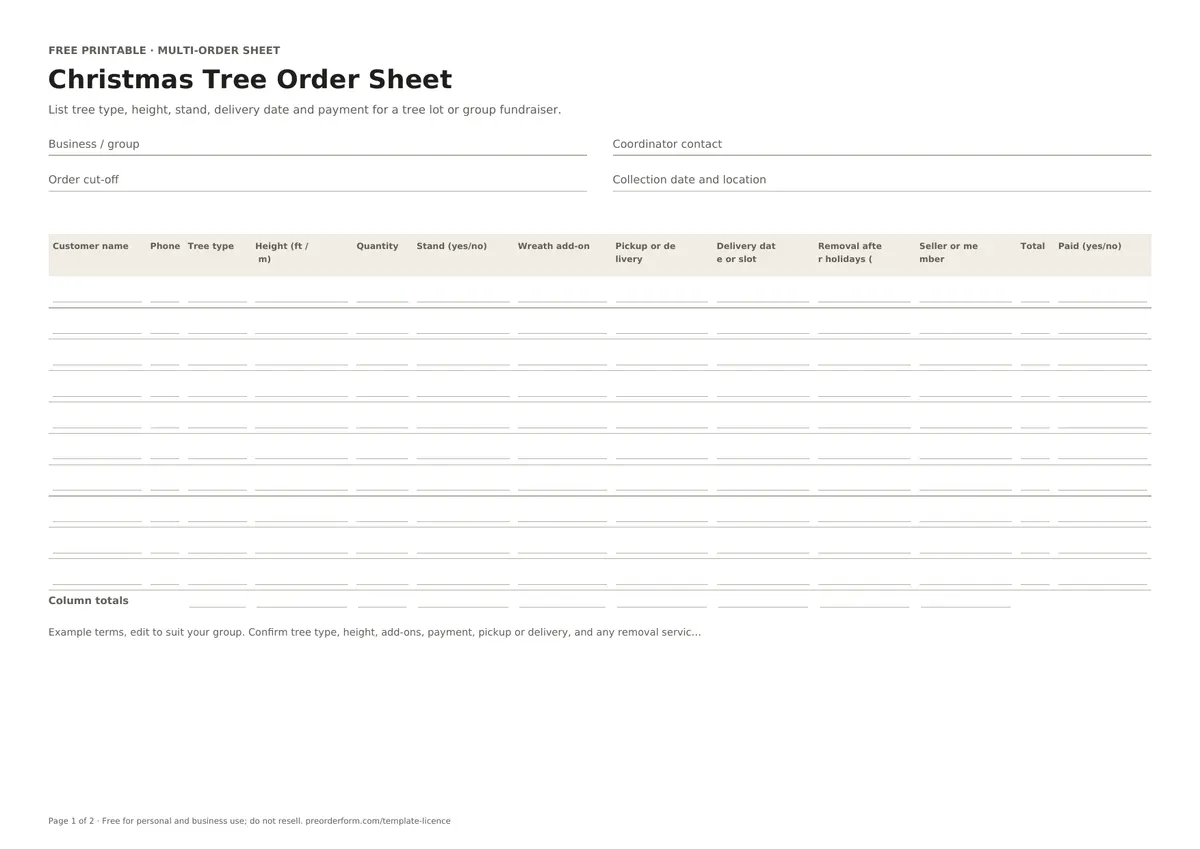
List tree type, height, stand, delivery date and payment for a tree lot or group fundraiser.
This Christmas tree order form tracks each buyer, contact number, tree type and height in feet or metres. Record quantities, stands, wreath add-ons, pickup or delivery, the delivery slot, post-holiday removal requests, organiser, order total and payment status, then review the group count before confirming stock.
Printable PDFEditable WordExcel workbookA4 + US Letter
Use A4 in Australia and most regions, or US Letter in the United States and Canada. PDFs are ready to print; fillable PDFs support typing; Word and Excel files are editable.
FORM CONTENTS
Fields included in this order sheet
Review the fields first. Rename or add details in the editable file, then check the layout before printing.
Seller header
Business / group name
Coordinator contact
Your logo
Batch details
Order cut-off
Collection date and location
Terms
Customer rows
Customer name
Phone
Tree type
Height (ft / m)
Quantity
Stand (yes/no)
Wreath add-on
Pickup or delivery
Delivery date or slot
Removal after holidays (yes/no)
Seller or member
Total
Paid (yes/no)
Column totals
Total by item
PRINT OR EDIT
How to use this christmas tree order sheet
Print and fill by hand
Write the lot or fundraiser name, order cutoff and handover date in the header.
Use one row per customer and mark each tree choice, add-on and handover method.
Check totals and payment status before ordering or distributing trees.
Fill it in digitally
Open the Excel workbook or editable Word sheet and enter one customer per row.
Use the dropdowns for stand, pickup or delivery, removal and payment status.
Review the quantity and total rows before confirming stock and delivery plans.
BEFORE YOU SHARE IT
What to include on a christmas tree order form
Give each customer one row for tree type, height in ft or m and quantity.
Mark whether a stand or wreath add-on is included with that order.
Choose pickup or delivery and enter the agreed date or time slot.
Record any post-holiday tree-removal request without assuming it is included.
Add the group seller or member, order total and verified payment status.
ORDER-TAKING TIPS
Make this form work for your batch
A group order sheet for tree lots, school fundraisers and community Christmas tree sales. Confirm each option, cut-off and handover detail before sharing it.
Use consistent tree names and height units so the final supplier count is clear.
Check stand and wreath stock separately from the tree quantities.
Confirm each delivery slot and route before accepting an address or time.
For food, verify ingredients, allergens, storage and local requirements.
EDIT BEFORE USE
Sample order terms
Example terms, edit to suit your group. Confirm tree type, height, add-ons, payment, pickup or delivery, and any removal service with the fundraiser organiser.
Replace the sample text with your own payment and collection policy.
PAPER OR ONLINE
When a printable form is a good fit
Paper suits phone and in-person orders. Store completed copies securely.
A paper form captures one customer's details at a time; an online page keeps reservations in a shared order list.
Free online orders are paid at pickup; sellers can download emails, orders, batches, items, prep lists and discount codes. Stripe payments and automated email-outs are planned paid features, not live yet.
Enter the agreed height in feet or metres and use one unit consistently across the sale. If your supplier lists a range, record that range and confirm the available tree before telling the customer the order is final.
Can I include stands and wreaths with the tree order?
Yes. Use the separate stand and wreath add-on columns so optional items are counted independently from trees. Confirm each add-on is available, include its price in the total, and note any substitution agreed with the buyer.
Does the Excel sheet total the tree orders?
The workbook adds a totals row for quantity and order total. Use consistent entries and check the numbers against each tree type and height before ordering. The summary does not replace a stock check with your supplier.
How do I organise delivery dates and slots?
Choose delivery for the buyer's handover method and record the agreed date or slot. Keep one row per customer, check that route capacity is available, and contact the buyer if the schedule changes.
Can the sheet record tree removal after the holidays?
Yes. Mark whether the buyer requested removal, then confirm whether that service is actually offered and when it can happen. Treat the checkbox as a request record, not a promise or a fee estimate.

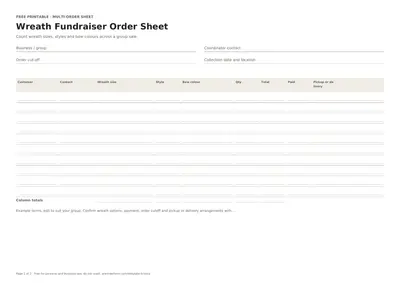 Free Printable Wreath Fundraiser Order Form
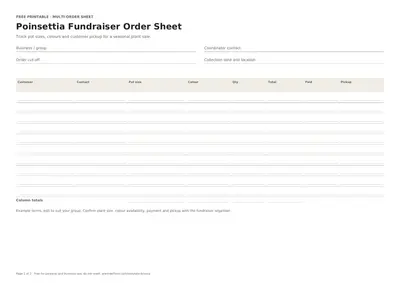 Free Printable Poinsettia Fundraiser Order Form
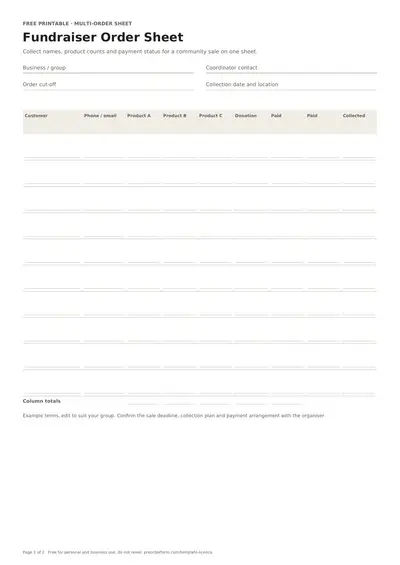 Free Printable Fundraiser Order Form Template
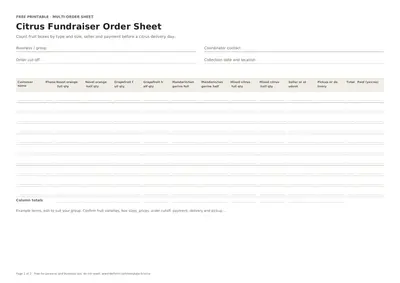 Free Printable Citrus Fundraiser Order Form
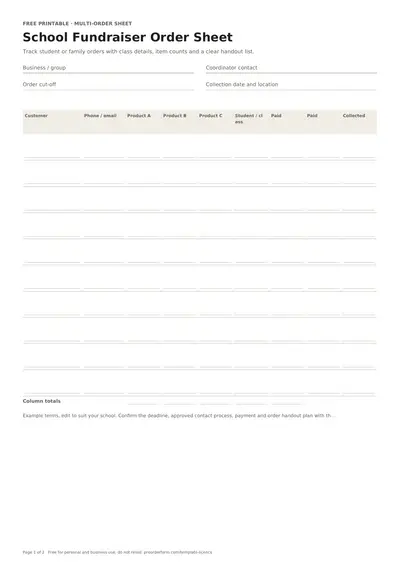 Free Printable School Fundraiser Order Form