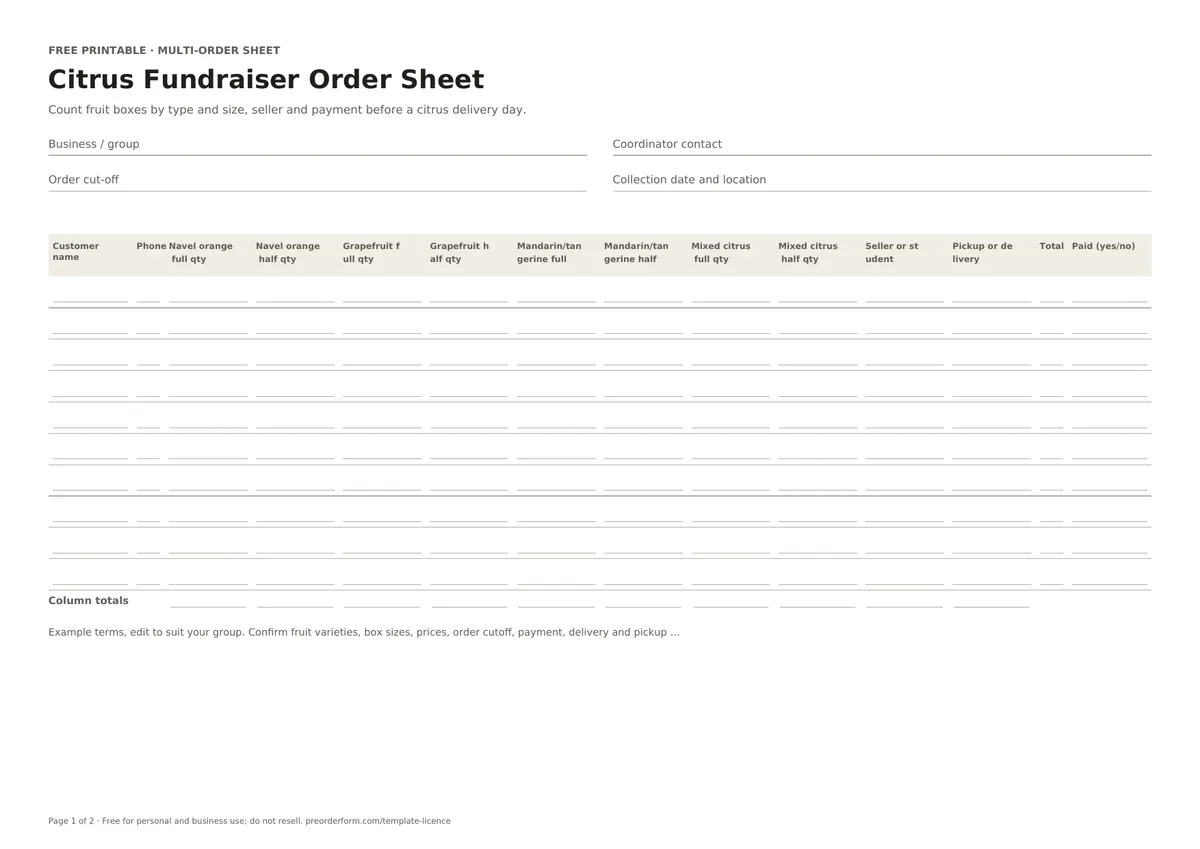
Count fruit boxes by type and size, seller and payment before a citrus delivery day.
This citrus fundraiser sheet tracks buyer contacts and navel orange, grapefruit, mandarin, tangerine or mixed-box quantities by full or half size. Record each seller, handover method, order total and payment status before delivery. Confirm the agreed choices and collection details before accepting each order.
Printable PDFEditable WordExcel workbookA4 + US Letter
Free for personal and business use. Please do not resell or redistribute the template. Read the full licence.
FIRST-PAGE PREVIEW
See what is included
This preview shows the first page of the blank citrus fundraiser order sheet. Download it to print or edit, then add your items, prices and order terms.
Use A4 in Australia and most regions, or US Letter in the United States and Canada. PDFs are ready to print; fillable PDFs support typing; Word and Excel files are editable.
FORM CONTENTS
Fields included in this order sheet
Review the fields first. Rename or add details in the editable file, then check the layout before printing.
Seller header
Business / group name
Coordinator contact
Your logo
Batch details
Order cut-off
Collection date and location
Terms
Customer rows
Customer name
Phone
Navel orange full qty
Navel orange half qty
Grapefruit full qty
Grapefruit half qty
Mandarin/tangerine full qty
Mandarin/tangerine half qty
Mixed citrus full qty
Mixed citrus half qty
Seller or student
Pickup or delivery
Total
Paid (yes/no)
Column totals
Total by item
PRINT OR EDIT
How to use this citrus fundraiser order sheet
Print and fill by hand
Write the fundraiser group, order cutoff and delivery-day plan at the top.
Enter each customer's fruit quantities by type and full or half box size.
Check the group totals and paid status before arranging handover.
Fill it in digitally
Open the Excel workbook or editable Word sheet and use one row per customer.
Enter quantities in the fruit and box-size columns; use the dropdowns for handover and payment.
Review each fruit-and-size total row before confirming the delivery count.
BEFORE YOU SHARE IT
What to include on a citrus fundraiser order form
Use one customer row and enter a phone number for order coordination.
Count orange, grapefruit, mandarin or tangerine, and mixed citrus boxes separately.
Record full and half boxes in separate quantity columns for clear totals.
Add the seller or student responsible and mark pickup or delivery.
Enter the order total and update paid status after checking the group's record.
ORDER-TAKING TIPS
Make this form work for your batch
A group sheet for collecting citrus box orders and checking fruit and size totals before delivery. Confirm each option, cut-off and handover detail before sharing it.
Use the same fruit and box-size labels throughout the fundraiser.
Check quantities by fruit and size against the delivery list before payment is final.
Confirm pickup or delivery arrangements and who will coordinate each handover.
For food, verify ingredients, allergens, storage and local requirements.
EDIT BEFORE USE
Sample order terms
Example terms, edit to suit your group. Confirm fruit varieties, box sizes, prices, order cutoff, payment, delivery and pickup arrangements with the fundraiser organiser.
Replace the sample text with your own payment and collection policy.
PAPER OR ONLINE
When a printable form is a good fit
Paper suits phone and in-person orders. Store completed copies securely.
A paper form captures one customer's details at a time; an online page keeps reservations in a shared order list.
Free online orders are paid at pickup; sellers can download emails, orders, batches, items, prep lists and discount codes. Stripe payments and automated email-outs are planned paid features, not live yet.
Columns cover navel oranges, grapefruit, mandarins or tangerines, and mixed citrus. Enter each fruit and size separately; edit labels if your supplier offers different varieties or box choices before accepting orders.
Can I count full and half boxes separately?
Each fruit has full-box and half-box quantity columns, and the workbook totals them independently. Enter numbers consistently and check group totals before confirming delivery with the fundraiser organiser together. Keep the choice with the related customer and product details before confirming.
How do I connect a fundraiser seller to each order?
Enter the seller or student on each customer row. This supports sorting for handover and payment follow-up; use the same name spelling throughout the sheet for each sale by the group.
What should I record for pickup or delivery?
Choose the handover method for each buyer and add a route or collection note when needed. Confirm timing and location with the organiser before sharing delivery-day instructions to avoid confusion.
Does the workbook calculate fruit totals?
Excel totals every fruit and full or half box column, plus order total. Check the figures against confirmed orders and supplier availability; the workbook cannot verify delivery before the group handover.

 Free Printable Christmas Tree Order Form
 Free Printable School Fundraiser Order Form
 Free Printable Fundraiser Order Form Template
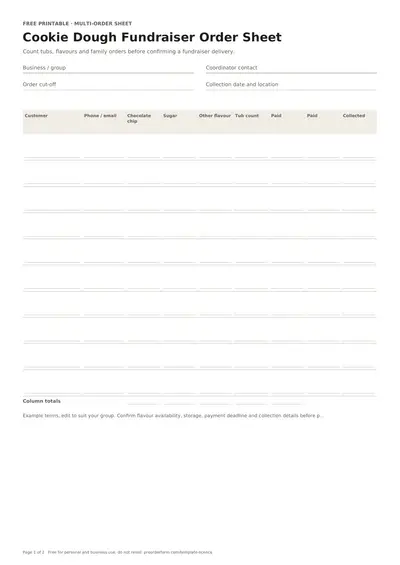 Free Printable Cookie Dough Fundraiser Order Form
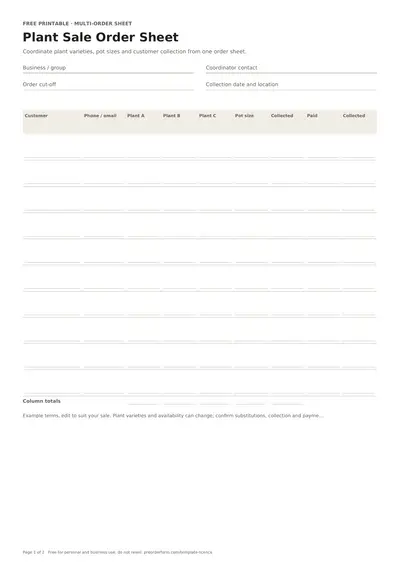 Free Printable Plant Sale Order Form