Can I use this form at a farmers market or craft fair?
Yes. It is intended for sellers taking an order at a stall when the customer will collect later. Add the market name and the next collection point to the order.
 Preorder Form
FREE DOWNLOAD · MERCH, MAKERS AND TEAMS
Take an order at a farmers market or craft fair for a later collection.
This market stall order form helps farmers market and craft fair sellers record a customer's items, quantities, price and contact details when stock is not ready to take home. Mark paid now or pay at pickup, then add the next market date or collection point.
DOWNLOAD WITHOUT SIGN-UP
Free for personal and business use. Please do not resell or redistribute the template. Read the full licence.
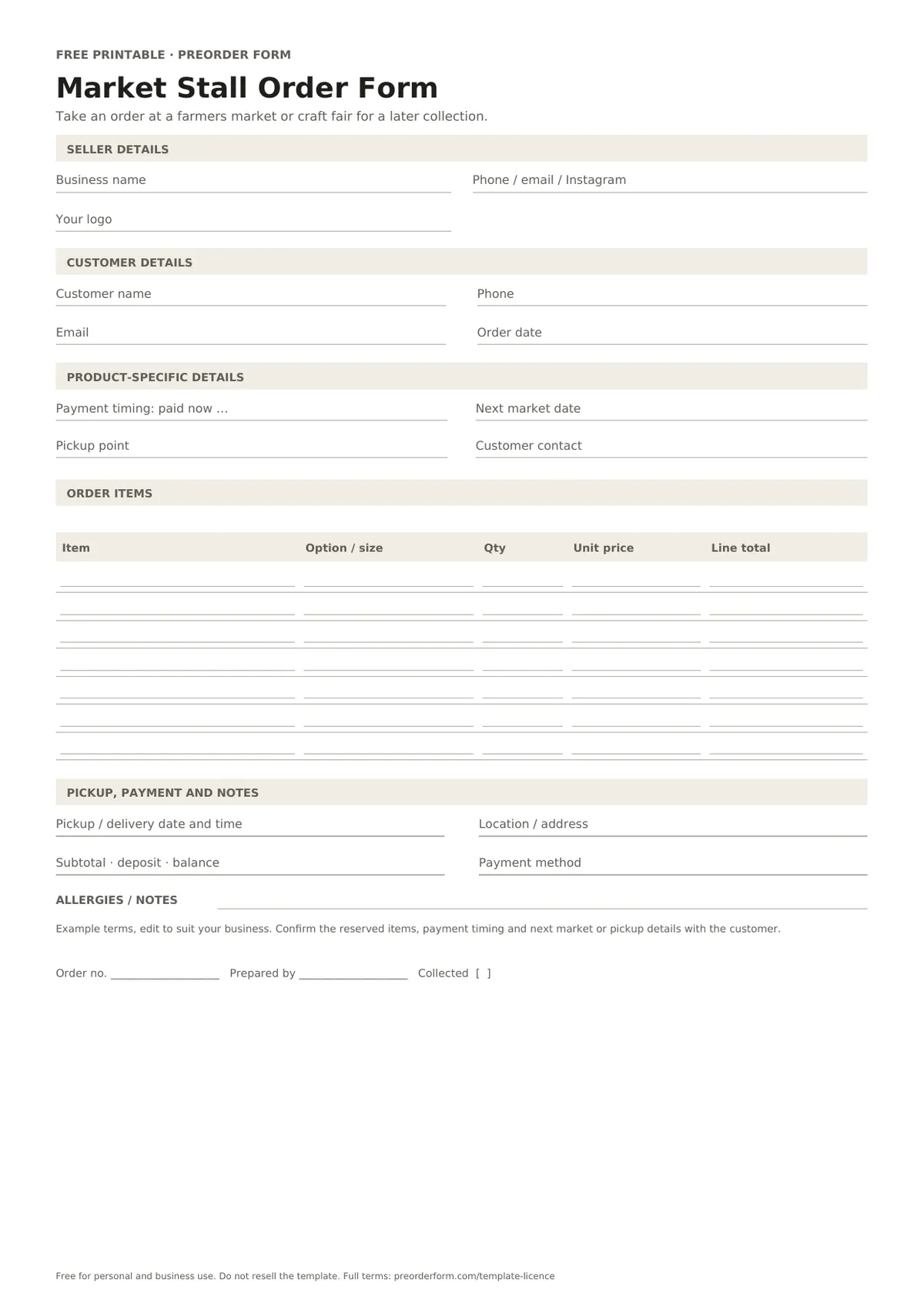
FIRST-PAGE PREVIEW
This preview shows the first page of the blank market stall order form. Download it to print or edit, then add your items, prices and order terms.
PAPER AND FILE OPTIONS
Use A4 in Australia and most regions, or US Letter in the United States and Canada. PDFs are ready to print; fillable PDFs support typing; Word and Excel files are editable.
FORM CONTENTS
Review the fields first. Rename or add details in the editable file, then check the layout before printing.
PRINT OR EDIT
BEFORE YOU SHARE IT
ORDER-TAKING TIPS
A stall-side order form for items customers will collect at a later market or pickup point. Confirm each option, cut-off and handover detail before sharing it.
For food, verify ingredients, allergens, storage and local requirements.
EDIT BEFORE USE
Example terms, edit to suit your business. Confirm the reserved items, payment timing and next market or pickup details with the customer.
Replace the sample text with your own payment and collection policy.
PAPER OR ONLINE
Paper suits phone and in-person orders. Store completed copies securely.
Free online orders are paid at pickup; sellers can download emails, orders, batches, items, prep lists and discount codes. Stripe payments and automated email-outs are planned paid features, not live yet.
See the matching online ordering guide ↗
Create a free online preorder pageCOMMON QUESTIONS
Yes. It is intended for sellers taking an order at a stall when the customer will collect later. Add the market name and the next collection point to the order.
Choose Paid now when payment has been received, or Pay at pickup when it has not. Verify payment using your own records and update the order before handover. Keep the choice with the related customer and product details before confirming.
Enter the date only after confirming the next market where you will attend. If pickup is elsewhere, write the location and agreed time in the handover fields instead. Keep the choice with the related customer and product details before confirming.
Yes. This template is free for personal and business use. Print copies, edit it and add your branding. Do not resell or redistribute the blank template; read the full licence linked on this page.
Download this market stall order form as PDF, fillable PDF, Word (.docx). PDF and Word files include A4 and US Letter options. Excel workbooks default to A4; adjust paper size in your spreadsheet's page setup before printing.
MORE DOWNLOADS
Set a limited batch, share one link and keep free orders together for pickup.
Start your own storeFree template from Preorder Form · take orders online free at preorderform.com
 Free Printable Bakery Order Form Template
 Free Printable Cake Order Form Template
 Free Printable T-Shirt Order Form Template
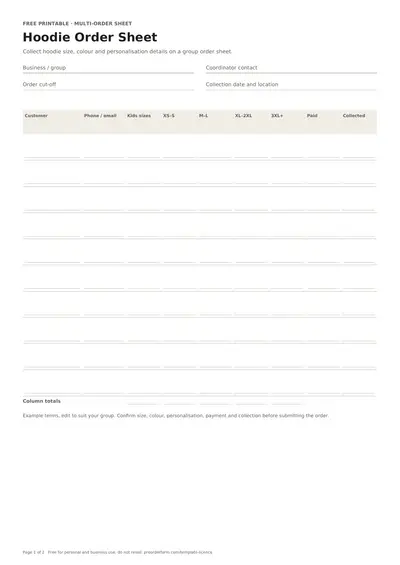 Free Printable Hoodie Order Form Template