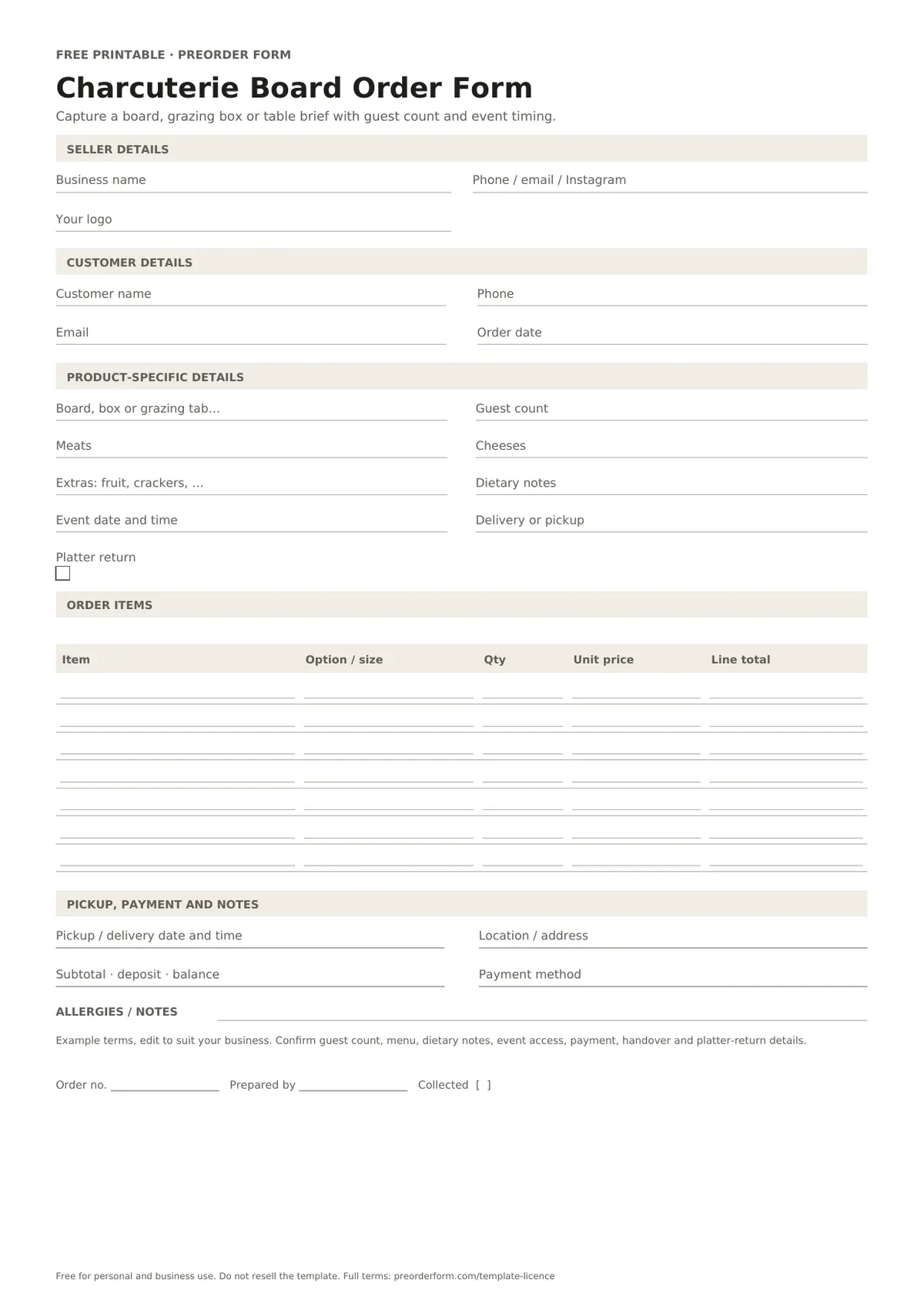
Capture a board, grazing box or table brief with guest count and event timing.
This charcuterie board order form covers boards, grazing boxes or grazing tables, guest count, meats, cheeses, fruit, crackers, dips and dietary notes. Record the event date, delivery or pickup time and platter-return arrangement with the quote. Confirm the agreed choices and collection details before accepting each order.
Printable PDFFillable PDFEditable WordA4 + US Letter
Free for personal and business use. Please do not resell or redistribute the template. Read the full licence.
FIRST-PAGE PREVIEW
See what is included
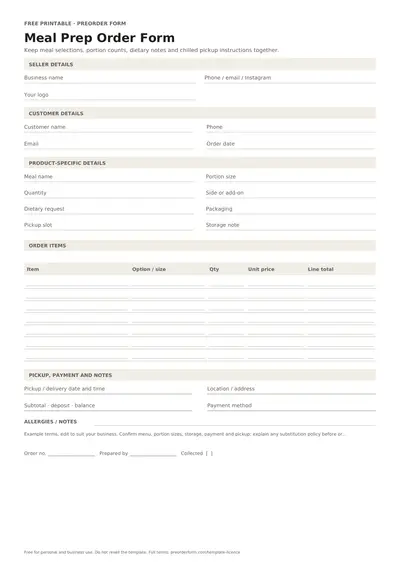
This preview shows the first page of the blank charcuterie board order form. Download it to print or edit, then add your items, prices and order terms.
Use A4 in Australia and most regions, or US Letter in the United States and Canada. PDFs are ready to print; fillable PDFs support typing; Word and Excel files are editable.
FORM CONTENTS
Fields included in this form
Review the fields first. Rename or add details in the editable file, then check the layout before printing.
Seller header
Business name
Phone / email / Instagram
Your logo
Customer details
Customer name
Phone
Email
Order date
Product-specific details
Board, box or grazing table
Guest count
Meats
Cheeses
Extras: fruit, crackers, dips
Dietary notes
Event date and time
Delivery or pickup
Platter return
Order items
Item
Option / size
Quantity
Unit price
Line total
Pickup or delivery
Pickup or delivery
Date
Time
Location or address
Payment
Subtotal
Deposit paid
Balance due
Payment method
Deposit received
Paid in full
Dietary and allergy notes
Allergies or dietary notes
Notes and terms
Terms or special instructions
Office use
Order number
Prepared by
Collected
PRINT OR EDIT
How to use this charcuterie board order form
Print and fill by hand
Choose the format and enter the guest count.
List meats, cheeses and extras for the agreed selection.
Confirm event time, delivery or pickup and platter return.
Fill it in digitally
Edit the board options and extras to match your menu.
Save the customer-approved brief with the event record.
Review the event address and return plan before handover.
BEFORE YOU SHARE IT
What to include on a charcuterie board order form
Choose board, grazing box or table service.
Record the guest count and event time.
List meats, cheeses and extras separately.
Write any dietary notes for the seller to review.
Mark delivery or pickup and whether a platter needs to be returned.
ORDER-TAKING TIPS
Make this form work for your batch
A charcuterie and grazing order form for boards, boxes or event tables. Confirm each option, cut-off and handover detail before sharing it.
Confirm serving expectations before preparing the quote.
Keep delivery and setup details with the event address.
List platter return timing in the notes.
For food, verify ingredients, allergens, storage and local requirements.
EDIT BEFORE USE
Sample order terms
Example terms, edit to suit your business. Confirm guest count, menu, dietary notes, event access, payment, handover and platter-return details.
Replace the sample text with your own payment and collection policy.
PAPER OR ONLINE
When a printable form is a good fit
Paper suits phone and in-person orders. Store completed copies securely.
A paper form captures one customer's details at a time; an online page keeps reservations in a shared order list.
Free online orders are paid at pickup; sellers can download emails, orders, batches, items, prep lists and discount codes. Stripe payments and automated email-outs are planned paid features, not live yet.
Can I use this for grazing boxes as well as boards?
Yes. The form includes board, box or grazing table options. Select the format that matches the order and list the guest count and included items separately. Keep the choice with the related customer and product details before confirming.
How should I record guest count and extras?
Enter the guest count first, then list meats, cheeses, fruit, crackers and dips as separate choices. Confirm any serving assumptions and add-ons with the customer before quoting. Keep the choice with the related customer and product details before confirming.
What does platter return mean?
Use the field when a reusable platter or display item must be returned. Agree the return timing and collection method with the customer and add that arrangement to your own terms.
Is this template free to use?
Yes. This template is free for personal and business use. Print copies, edit it and add your branding. Do not resell or redistribute the blank template; read the full licence linked on this page.
Which formats and paper sizes are included?
Download this charcuterie board order form as PDF, fillable PDF, Word (.docx). PDF and Word files include A4 and US Letter options. Excel workbooks default to A4; adjust paper size in your spreadsheet's page setup before printing.

 Free Printable Tamale Order Form
 Free Printable BBQ Order Form
 Free Printable Catering Order Form Template
 Free Printable Meal Prep Order Form Template